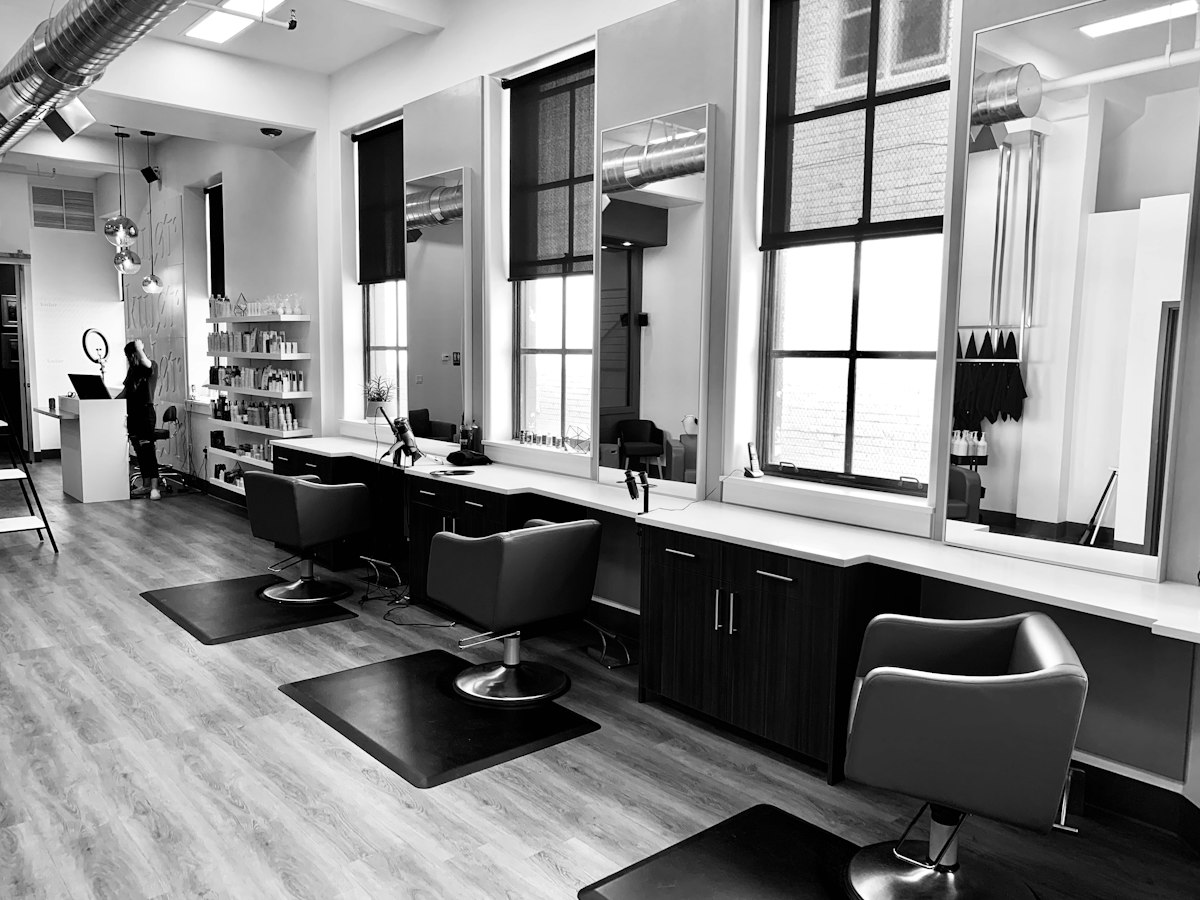
Salons and beauty businesses need websites that showcase their work and make booking easy. Here's how Ritsbo's AI website builder for salons creates complete beauty websites in 60 seconds.
Why Salons Need a Website in 2026
85% of consumers search online before booking a salon appointment. If your salon doesn't have a professional website with photo galleries and online booking, you're losing clients to competitors. A great salon website showcases your work, builds trust, and captures bookings 24/7.
What's Included in Your AI Salon Website

- Service menu: List services, prices, durations, and descriptions
- Online booking: Clients book appointments directly from your website — no commission fees
- Stylist profiles: Photos, bios, specialties, and service assignments
- Photo galleries: Showcase hairstyles, nail art, makeup, and transformations
- Pricing pages: Clear, transparent pricing that builds trust
- Mobile-responsive: Perfect on phones — where most bookings happen
- SEO optimized: Automatic local SEO for "salon near me" and "hair stylist in [city]"
- Social media integration: Connect your Instagram to showcase your latest work
How It Works
- Describe your salon: Enter your salon name, type (hair, nail, beauty, spa), and location
- AI builds your site: Ritsbo generates your complete website in 60 seconds
- Customize: Add services, prices, stylist profiles, and photos
- Launch: Connect your domain and start accepting bookings
Online Booking Without Commission
Third-party booking apps like StyleSeat and Vagaro charge monthly fees plus 5-10% commission per booking. With Ritsbo, clients book directly on your website — you keep 100% of your revenue. No commission, no middleman.
Photo Galleries That Sell Your Services
For salons, photos are everything. Clients want to see your work before booking. Ritsbo generates beautiful photo gallery pages optimized for showcasing hairstyles, nail art, makeup looks, and before/after transformations.
Local SEO for Salons
Ritsbo automatically generates local SEO elements to help your salon rank for "salon near me," "hair stylist in [city]," and "nail salon in [area]."
Pricing
Ritsbo costs $59/month flat with no booking commissions and no transaction fees. Try it free for 14 days — no credit card required.
What Clients Check Before They Book a Salon
Salon decisions are visual and personal. A new client is asking: can I see the kind of work you do, what will it cost, who will be doing it, and can I get in on Saturday. All four live on the website or the booking page, and if the price list is missing, most people assume it is out of their budget and leave.
Price should be specific. "Cuts from $45" is better than nothing, but a menu that lists each service, the stylist level, and the duration sets expectations and reduces the awkward conversation at the chair.
Photography is the whole argument. Show the work on real clients, shot in your own space, with the stylist credited. Stock photography of hair models is instantly recognisable and quietly tells a prospective client that you have nothing of your own to show.
The Salon Pages That Turn Browsers into Bookings
Most salon sites need fewer pages than they have, each doing one job well.
- Service menu with prices — grouped by cut, colour, treatment and styling, with duration and stylist level. Include what a consultation costs and whether it is deducted from the service.
- Book online — a booking button visible on every page, opening real availability rather than a contact form. Deposits via Stripe or PayPal cut no-shows dramatically.
- Gallery — filtered by service type, with a before/after pairing where you have permission. Link each image to the stylist who did it and the service that produces it.
- Stylists — photo, specialisms, and a book-with-me link. Clients follow people, and a stylist leaving takes their clients unless the salon brand is strong.
- Policies — cancellations, late arrivals, deposit terms, children and patch-test rules for colour. Stating these once publicly prevents most front-desk conflict.
Salon Must-Haves That Generic Templates Skip
A salon sells time, so the site has to protect the calendar. Deposits on colour and long services, a clear no-show policy displayed before someone books, and automated reminders are worth more than any design flourish.
Patch tests for colour are a legal requirement in many places. Put the rule on the colour service page and in the confirmation email, not just in the terms.
Gift cards are the highest-margin product most salons under-sell online. Sell them on the site at fixed denominations, delivered by email, redeemable against any service. They bring in new clients who then book a second visit.
Finally, run the Instagram feed alongside the gallery rather than instead of it. Embedding recent work is fine, but the gallery is what ranks in search and what survives an algorithm change.
Local Search for Salons: Winning the Map Pack
Almost every new salon client starts with a map search for "balayage near me" or "nail salon [suburb]". Appearing in the three-pack above the organic results is worth more than ranking first on your own blog.
Complete the profile properly: primary category set to the exact service you most want, secondary categories for the rest, hours kept current including late nights, and a photo set refreshed monthly. Ask every happy client for a review at checkout, and reply to all of them.
On the site itself, give each main service its own page — colour, extensions, bridal styling — naming the neighbourhood and answering the questions people ask on the phone. That is what allows a single salon to appear for several different searches instead of one.
The First Ninety Days After Launch
Get the booking flow right before promoting anything. Test it on a phone, book a slot yourself, confirm the deposit lands in your account, and check the confirmation email reads clearly. A broken booking flow on a well-trafficked site is worse than no site.
Then seed the gallery for two weeks with your best recent work, one service category at a time. Turn on deposit-protected booking for colour and long appointments. Add gift cards before the next holiday.
Watch four numbers: booking page views, bookings completed, no-show rate, and rebooking rate at the six-week mark. If views are high and bookings low, check that availability is real and the deposit step is not confusing. If no-shows are still high, the policy is not visible early enough in the flow.
Build Your Salon Website Today
Start your free 14-day trial and have your salon website live in 60 seconds.
Written by Ritsbo Team
Ritsbo Team
Ritsbo editorial team — ecommerce, dropshipping & AI growth insights.
Sources & further reading
Primary documentation and research behind this article's local business marketing guidance.
- Improve your local ranking on GoogleGoogle Business Profile Help
- Local consumer review surveyBrightLocal
- Business guide: plan, launch, manageU.S. Small Business Administration
- Web Vitals: measuring real user experienceweb.dev (Google)
- Mobile-first indexing best practicesGoogle Search Central
- WCAG 2.2 quick referenceW3C Web Accessibility Initiative